As seen on






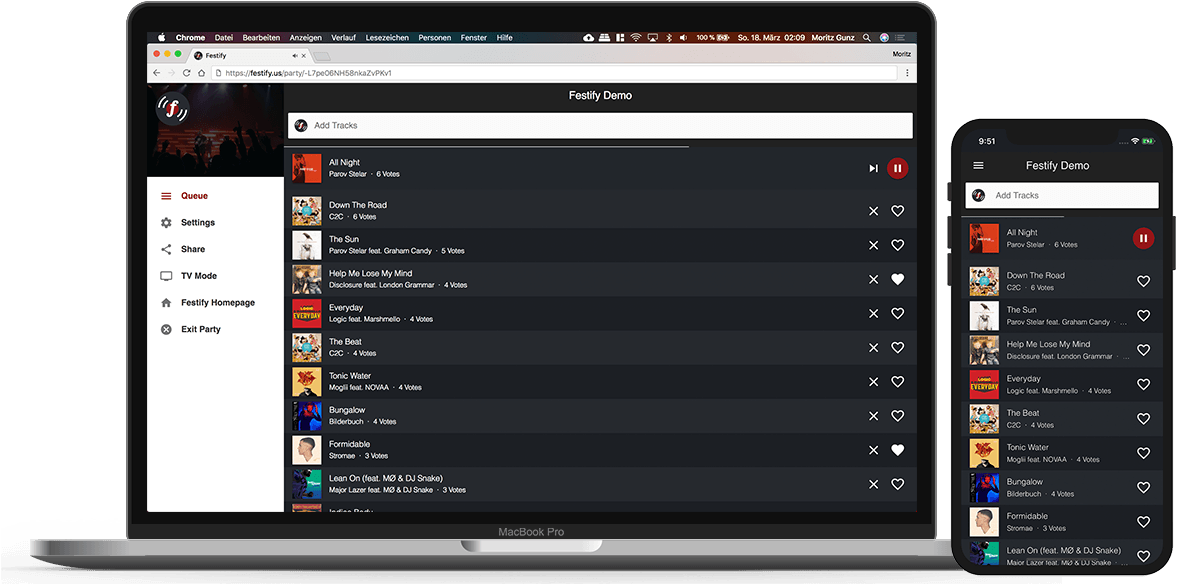
Festify is a free Spotify-powered app that lets your guests choose which music should be played using their smartphones.
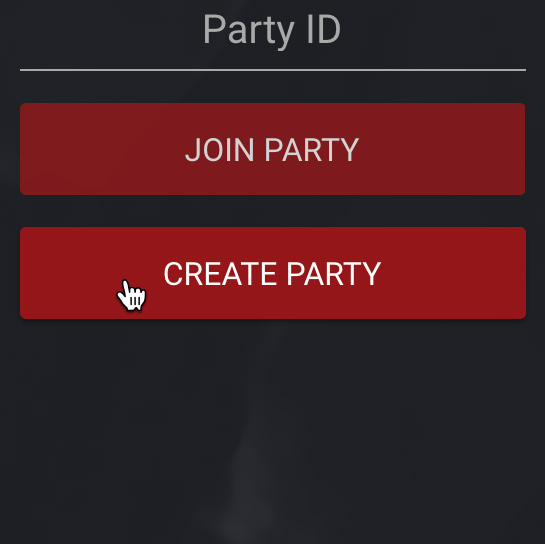
You create a new party in your browser and get a party code
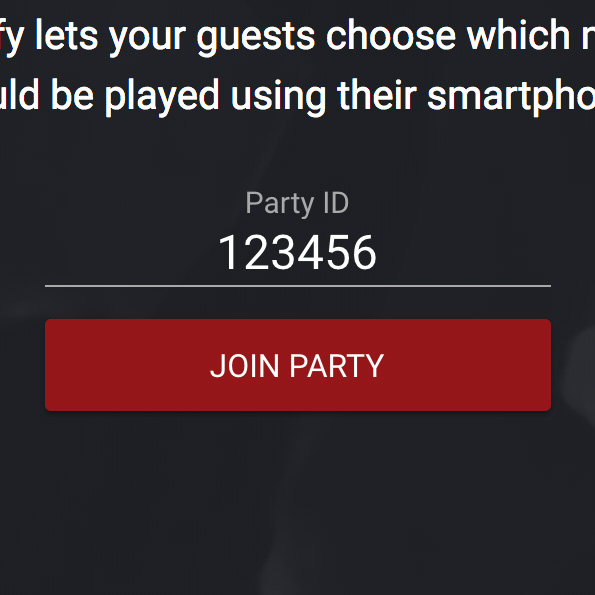
Your guests enter the party code in their mobile browser
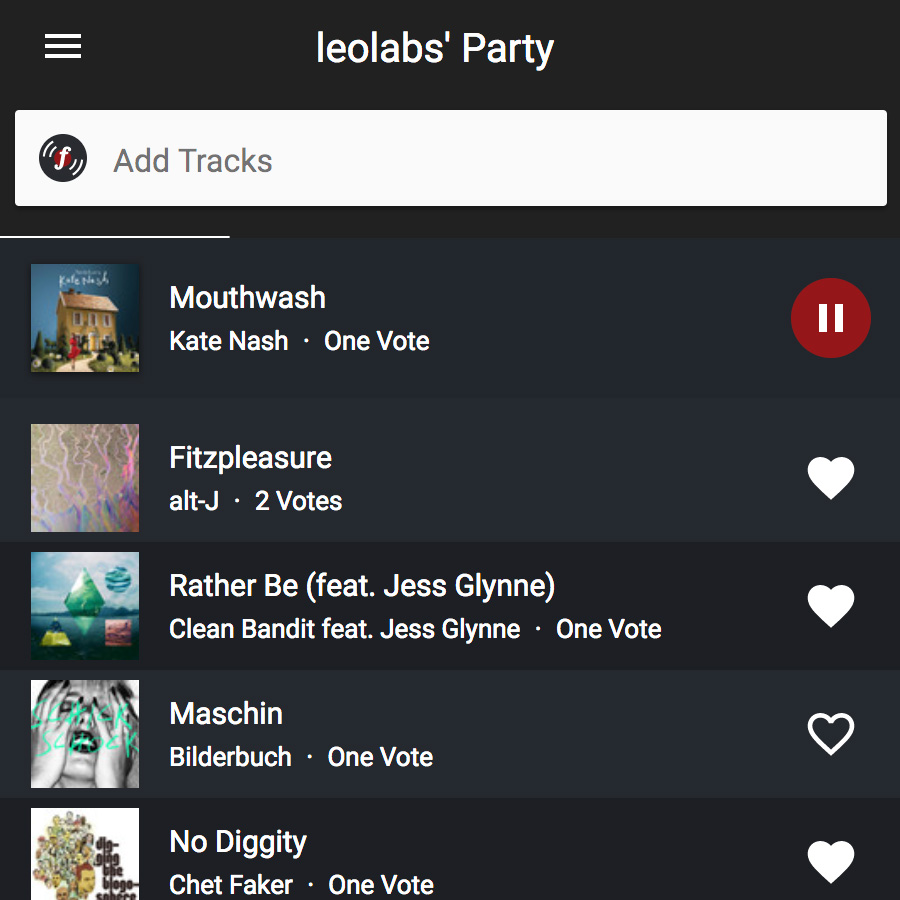
Everyone votes to decide which tracks should be played
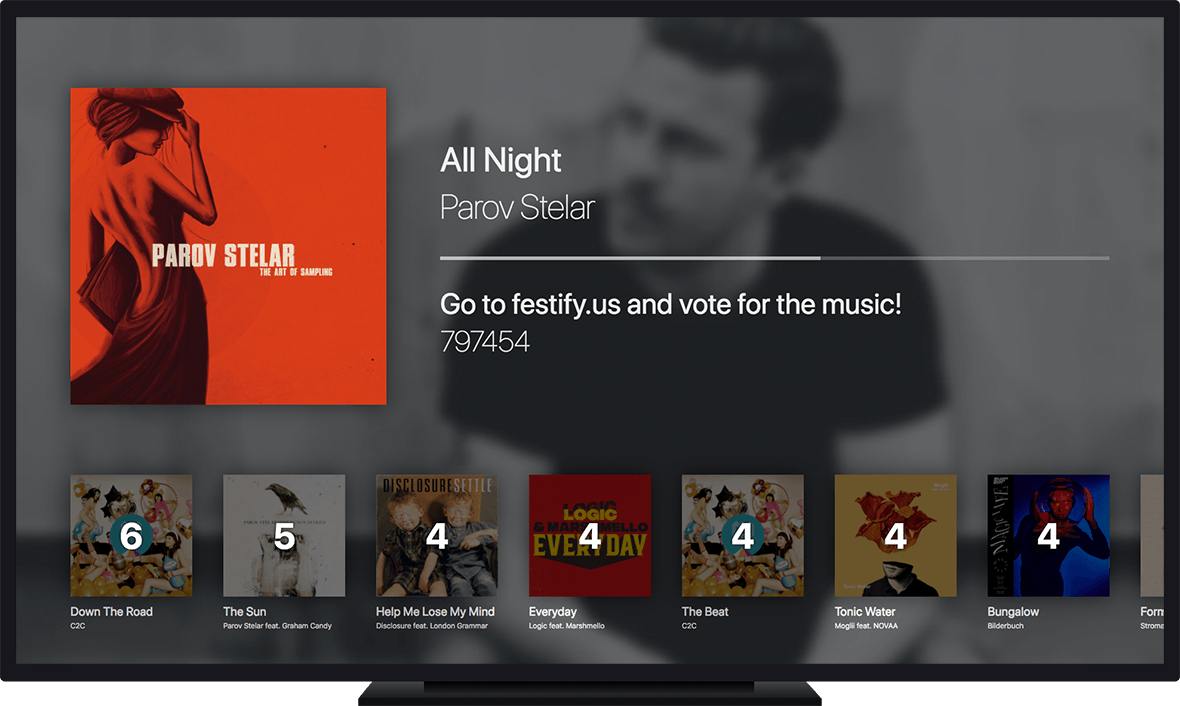
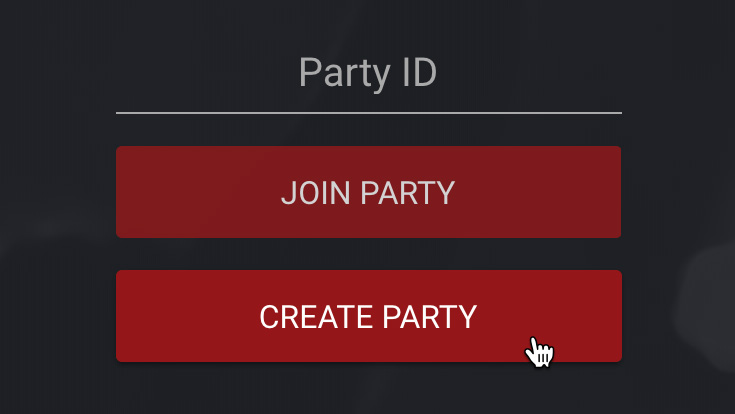
Creating a Party using Festify couldn't be simpler. Just log in with your Spotify Premium Account and have fun.
Festify uses Spotify's huge music library so your guests can choose from millions of tracks. An internet connection and a Spotify Premium account are all you need to get your next Party started.
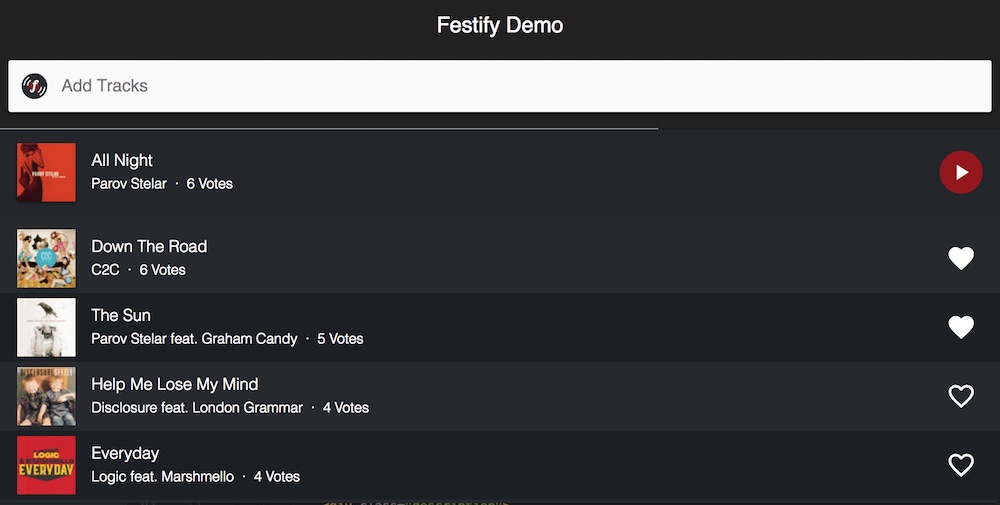
Your guests can vote for songs using their smartphones. The more people vote for a track, the higher it moves up your queue. Using this system, Festify will only play the music that your guests like.
Festify is fully browser-based, so it can be used anywhere a modern web browser can be. Playback is supported in Google Chrome and Firefox.
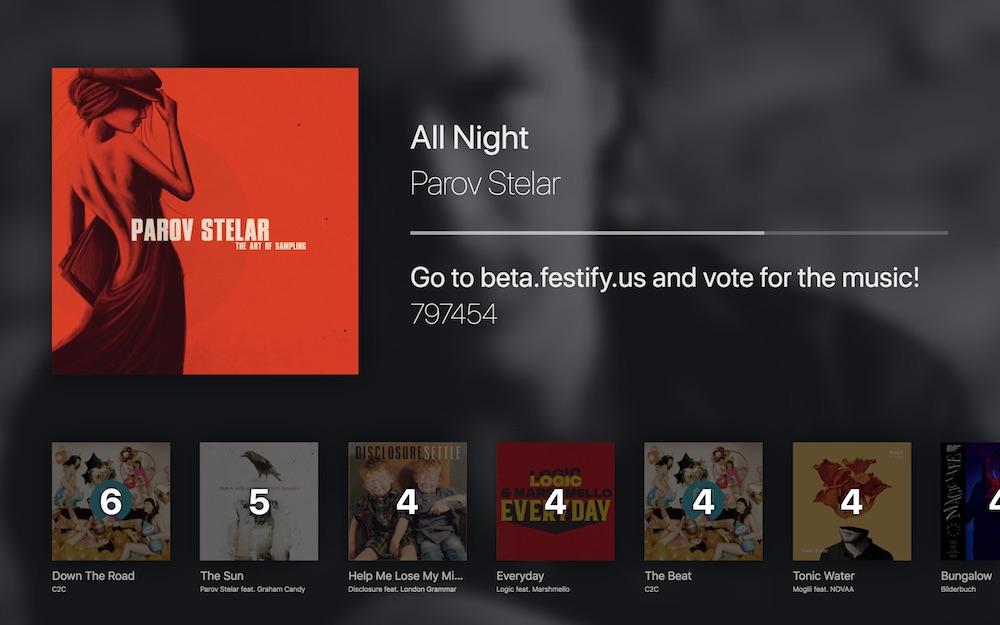
Festify features a TV Mode that is designed to look good on your computer, notebook, TV, or projector. Fan art of each playing artist from Fanart.TV automatically appears in the background. If no fan art is available, the TV Mode shows the current album cover.
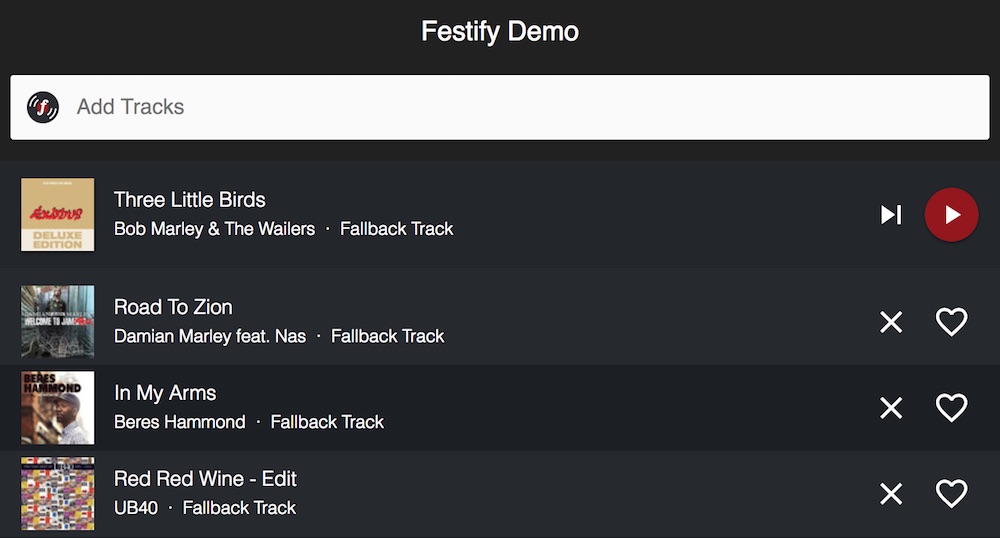
As the party host, you can control Festify using your Smartphone (or from any other device) by logging in with the same Spotify account that was used to create the party. Admin Mode includes skipping, deleting tracks from the queue and pausing the player if needed.
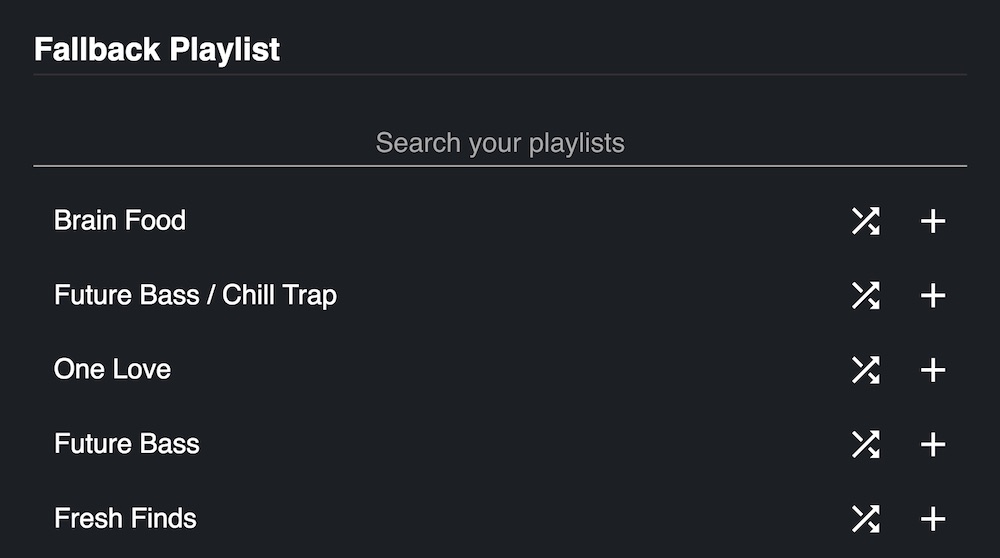
Sometimes, your guests are too lazy to add new tracks to your party queue, but we've got you covered. When you create a Festify Party, you can add a Fallback Playlist from your Spotify Account that will be played if no other songs are queued. You can also shuffle the list so that you don't always start with the same track.


